Accu-Chek® Guide
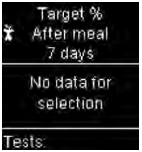
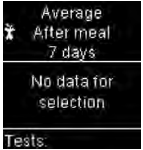
Error codes Average after meal 7 days
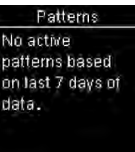
There are no test results in range for the selected data.
For health professionals 

There are no test results in range for the selected data.
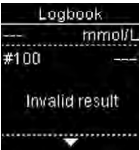
There is an invalid result in the
Logbook.
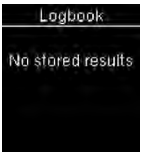
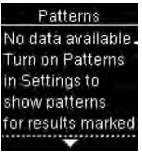
There are no results in the Logbook.
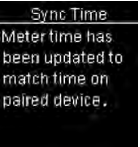
The meter time and date have been changed to match the paired device.
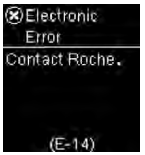
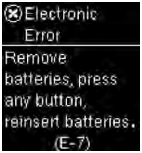
An electronic error has occurred.
Contact Accu-Chek Customer Care at 1-800-363-7949.
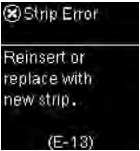
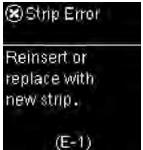
Fluid or foreign material may be present in the test strip slot.
Remove and reinsert the test strip or repeat the blood glucose or control test with a new test strip. If the problem persists, contact Accu-Chek Customer Care at 1-800-363-7949.
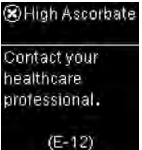
Your blood sample may contain a high level of ascorbate.
Contact your healthcare professional.
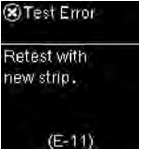
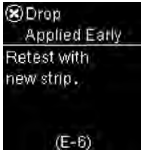
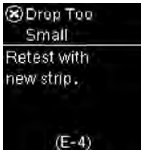
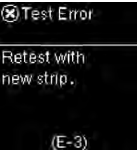
The test strip may be damaged.
Retest with a new test strip.
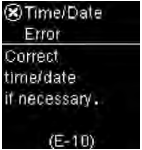
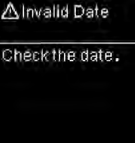
The time and date setting may be incorrect.
Make sure the time and date are correct and adjust, if necessary.
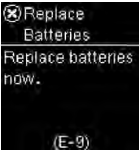
The batteries may be out of power.
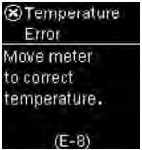
Turn the meter back on. If you are in a cold environment, move to a location with a more moderate temperature and retest. If the message continues to appear after several attempts, replace the batteries. If the message reappears after the batteries have been replaced, remove the batteries, press and hold the Power/Set/OK button for at least 2 seconds, then reinsert the batteries.